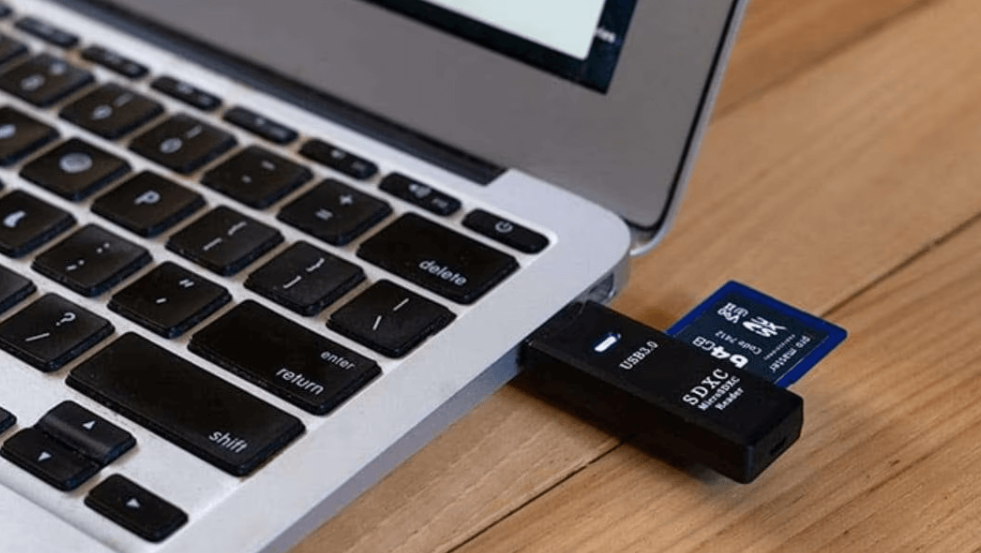
DCIM: Complete Guide to the Digital Camera Images Folder

Introduction to DCIM
DCIM is one of the most commonly seen yet least understood folders on smartphones, digital cameras, tablets, and storage devices. Almost every device capable of capturing photos or videos automatically creates a DCIM folder, making it a core part of modern digital media storage. Despite its frequent appearance, many users are unsure about its purpose, structure, and importance. Understanding DCIM is essential for managing photos, transferring files, backing up data, and preventing accidental loss of valuable memories.
This article provides a comprehensive explanation of DCIM, how it works, why it exists, and how users can safely manage it.
What Does DCIM Mean?
DCIM stands for Digital Camera Images. It is a standardized directory name used by cameras and mobile devices to store captured photos and videos. The name originates from digital camera file system standards to ensure compatibility across operating systems, devices, and storage media.
Whenever a device takes a photo or records a video, it automatically saves the file inside the DCIM folder or one of its subfolders. This system allows computers, printers, editing software, and other devices to easily recognize and access media files.
Purpose of the DCIM Folder
The main purpose of the DCIM folder is to provide a universal storage location for camera-generated media. This standardization ensures that files can be detected and transferred without confusion.
Key purposes include:
- Storing photos and videos captured by the device camera
- Allowing quick file transfer between devices
- Supporting automatic recognition by computers and software
- Maintaining organized file structures for media management
- Ensuring compatibility with different operating systems
Without the DCIM folder, many devices would struggle to identify camera files correctly.
Structure of the DCIM Folder
Inside the DCIM folder, you will usually find one or more subfolders. These subfolders may vary depending on the device manufacturer, camera app, or user settings.
Common characteristics of DCIM subfolders:
- Folder names may include numbers and letters
- Different camera apps may create separate folders
- Screenshots and edited photos may appear in different directories
- Videos and images are often mixed within the same folder
Each photo or video file inside DCIM follows a naming pattern that helps the system keep files in order.
Why Devices Automatically Create DCIM
The DCIM folder is created automatically when a device camera is used for the first time. This automation prevents file conflicts and ensures consistent storage behavior across devices.
Benefits of automatic DCIM creation:
- No user setup required
- Prevents misplaced camera files
- Improves file recognition during transfers
- Supports plug-and-play functionality
Because of this automation, deleting the DCIM folder is usually unnecessary and not recommended.
DCIM and File Transfer
When connecting a smartphone or camera to a computer, the DCIM folder is often the first directory accessed. Many operating systems and photo management tools automatically scan DCIM to locate media files.
This makes DCIM crucial for:
- Transferring photos to computers
- Backing up media files
- Printing images directly from storage
- Importing content into editing software
If the DCIM folder is missing or damaged, file transfers may fail or show incomplete results.
Is It Safe to Delete DCIM?
Deleting the DCIM folder is generally not recommended unless the device is being reset or no longer used. While the folder may reappear after taking a new photo, deleting it can cause temporary issues.
Potential risks include:
- Loss of photos and videos
- Camera app errors
- Incomplete file transfers
- Confusion during backups
A safer approach is to delete individual files after backing them up instead of removing the entire folder.
DCIM on Different Devices
DCIM behaves similarly across devices but may have slight differences depending on the platform.
On smartphones, DCIM is usually located in internal storage or SD cards. On digital cameras, it is found at the root of the memory card. On tablets, it follows similar rules as smartphones but may integrate with cloud services.
Despite these differences, the core function of DCIM remains the same: storing camera-generated media.
DCIM and Storage Management
The DCIM folder can consume a large amount of storage over time, especially with high-resolution photos and videos. Regular management helps prevent storage issues.
Best practices include:
- Backing up files regularly
- Deleting unwanted photos and videos
- Transferring large files to external storage
- Using cloud backups responsibly
Proper DCIM management ensures optimal device performance and prevents unexpected storage shortages.
Common Issues with DCIM
Users may encounter problems related to the DCIM folder, such as missing files, corruption, or access errors. These issues are often caused by improper device removal, software glitches, or storage damage.
Preventive steps include:
- Safely ejecting devices from computers
- Keeping software updated
- Avoiding forced shutdowns during file transfers
- Using reliable storage media
Taking these precautions reduces the risk of DCIM-related problems.
FAQs About DCIM
What happens if the DCIM folder is deleted?
If the DCIM folder is deleted, the device will usually recreate it when a new photo is taken. However, any previously stored media will be permanently lost unless backed up.
Can I move DCIM files to another folder?
Yes, DCIM files can be moved after backing them up. However, moving active camera folders may affect how the camera app saves new photos.
Why does my computer only show DCIM?
Many systems prioritize DCIM because it is the standard location for camera media, making it easier to import photos.
Is DCIM only for photos?
No, DCIM stores both photos and videos captured by the device camera.
Can I rename the DCIM folder?
Renaming the DCIM folder is not recommended, as it may prevent devices and software from recognizing camera files correctly.
Conclusion
DCIM is a fundamental component of digital media storage that plays a crucial role in how devices save, manage, and transfer photos and videos. As a standardized folder, it ensures compatibility, organization, and ease of access across platforms. Understanding DCIM helps users manage storage effectively, avoid accidental data loss, and maintain smooth file transfers. By handling the DCIM folder carefully and following best practices, users can protect their valuable media and ensure long-term digital organization.